Yes. Follow these steps to export the lead data of a segment:
-
Go to the "Segments" page
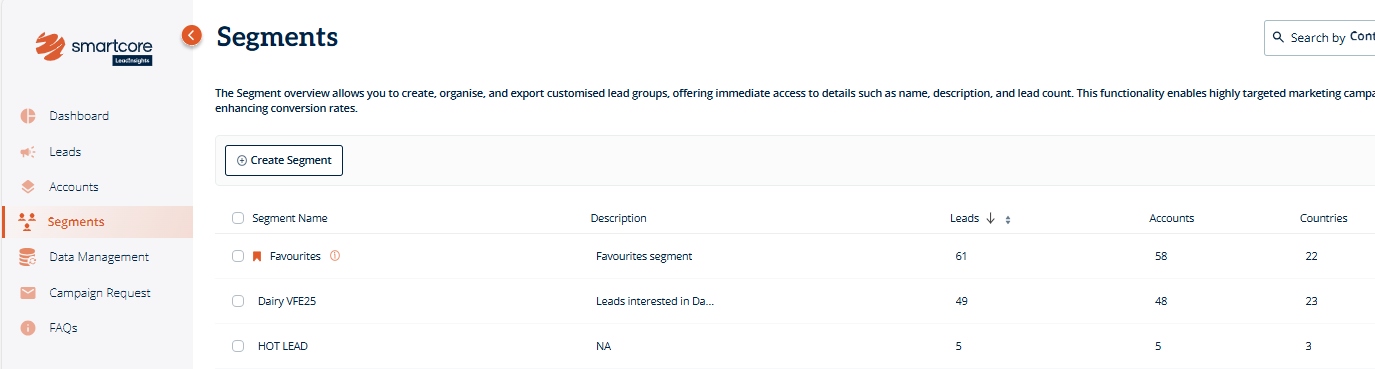
- Find the segment you want to export and click on its name
-
This will open the list of leads within that segment
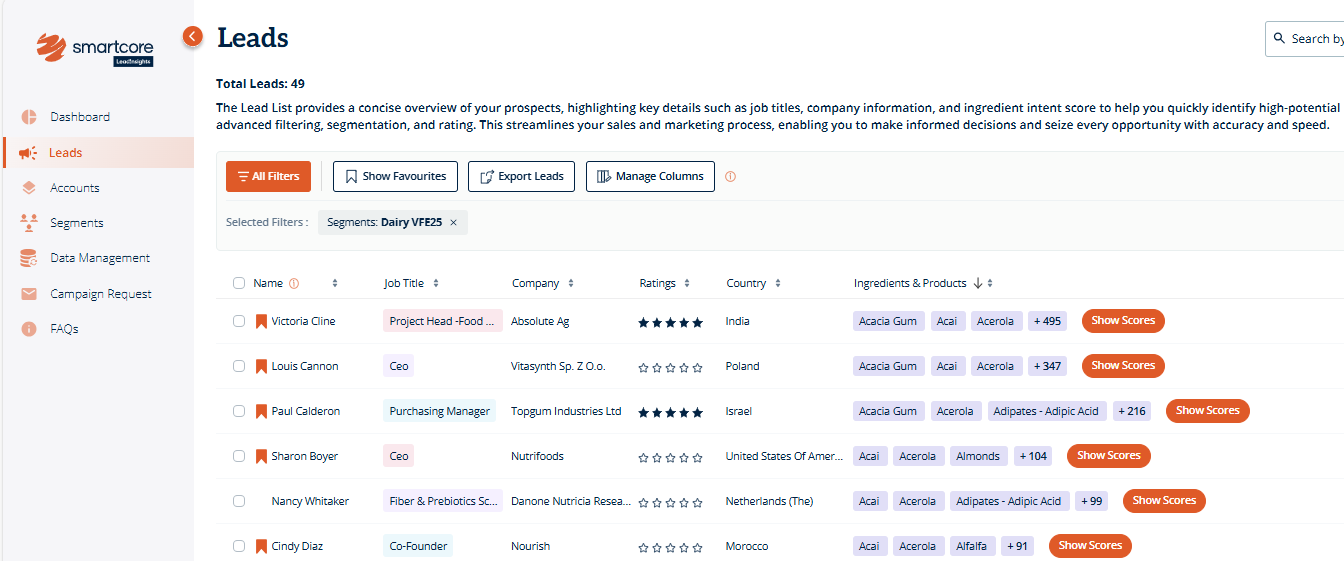
- Click on "Export Leads"
- A CSV file will download immediately with the lead data
Pro-Tip: Export segment data to quickly share grouped leads with your team, run targeted campaigns based on shared traits, or enrich your CRM with new, high-quality contacts aligned to specific goals.
Was this article helpful?
That’s Great!
Thank you for your feedback
Sorry! We couldn't be helpful
Thank you for your feedback
Feedback sent
We appreciate your effort and will try to fix the article