Yes. You can add a lead to multiple segments either from the main Leads page or from their profile page.
On the Leads page:
-
Simply select the checkbox next to the lead’s name
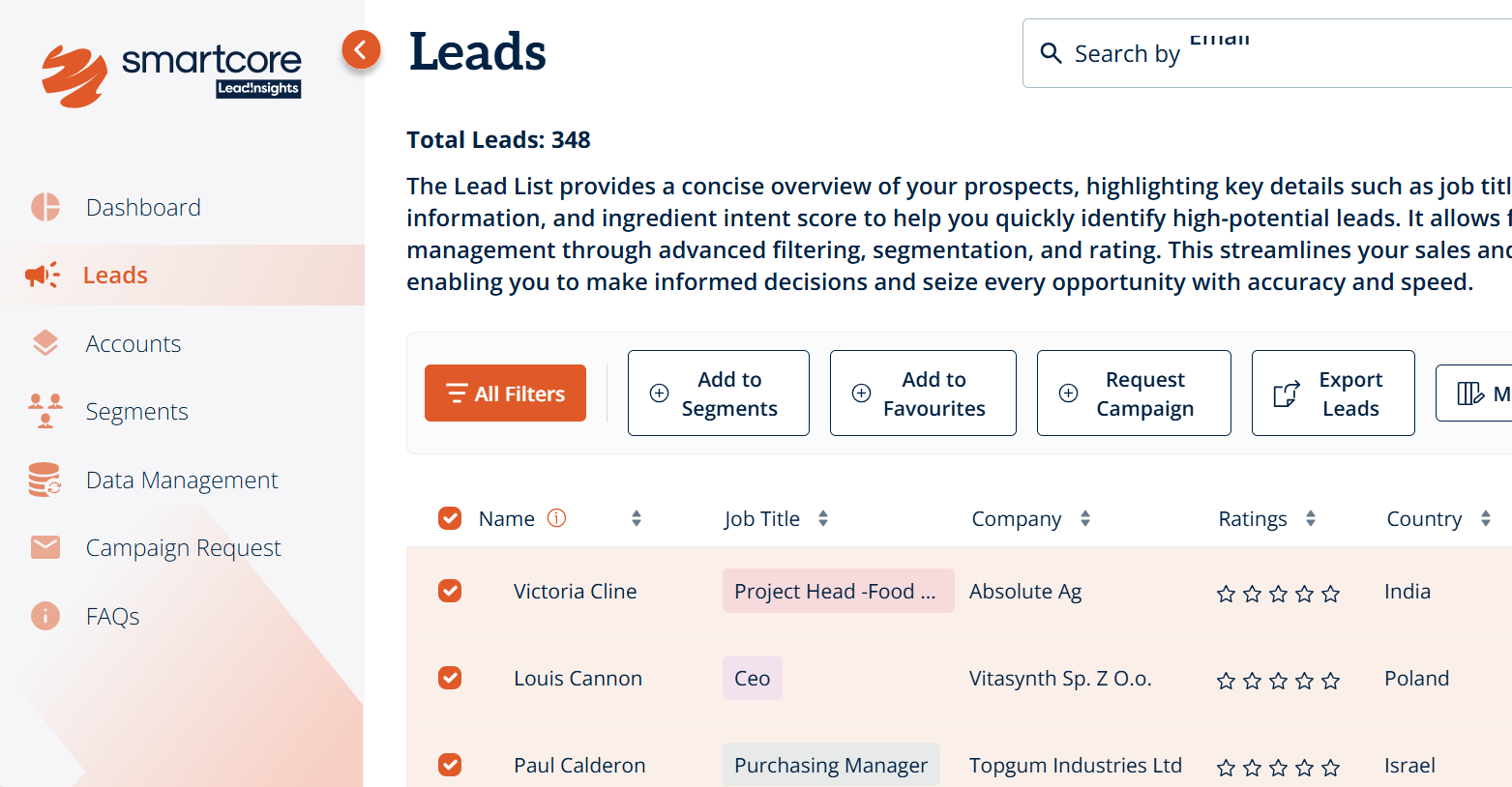
- Click "Add to Segments"
-
Select the segment and click "Done"
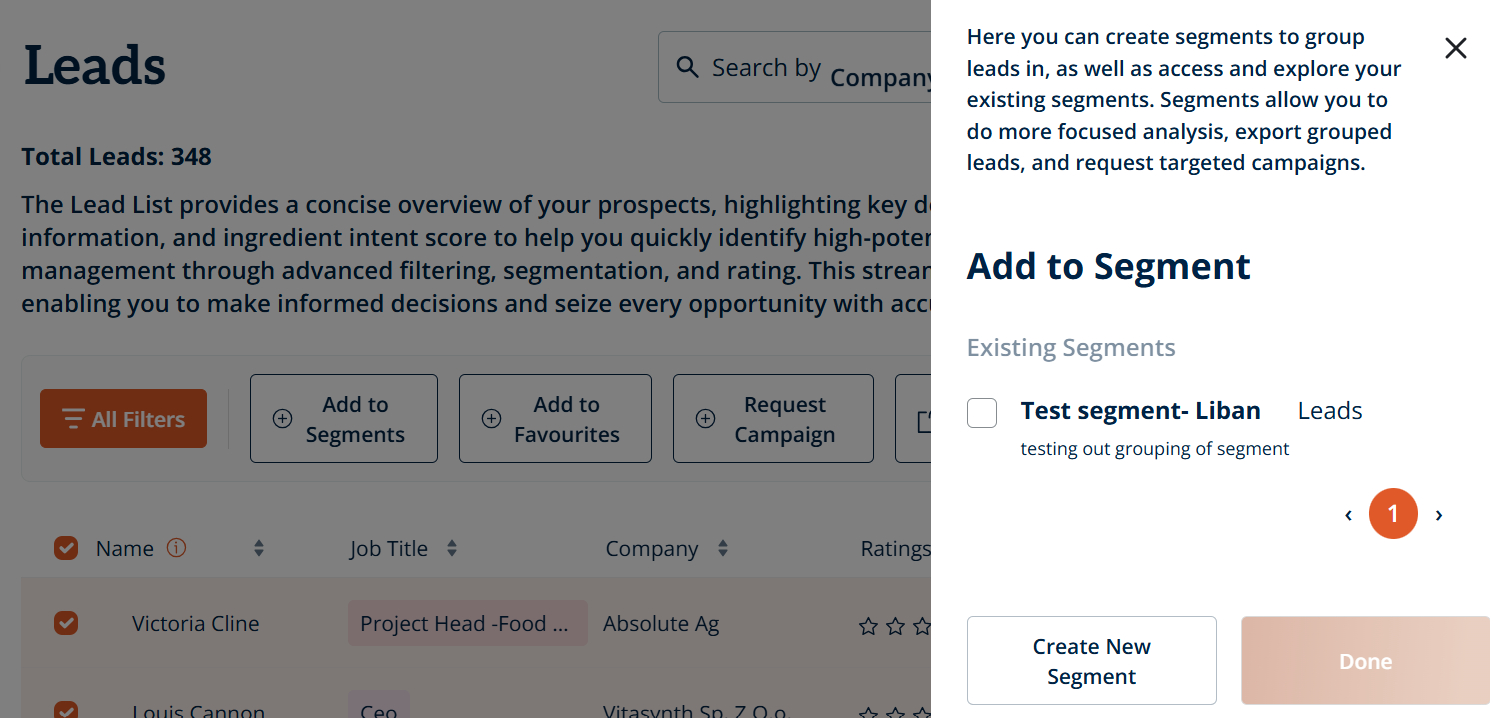
- Repeat the process and select a different segment each time
On the lead's profile page:
-
If they are not part of an existing segment, at the top of the page, you'll see: “This lead is not part of any segments. You can add this lead to any segment by clicking here”
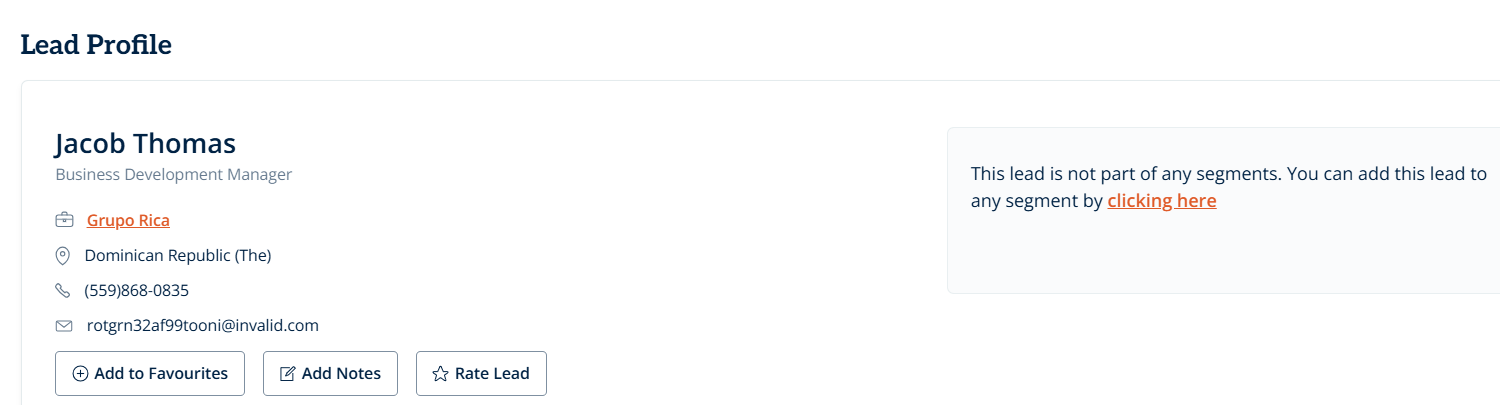
- Click through, choose a segment, and hit "Done"
-
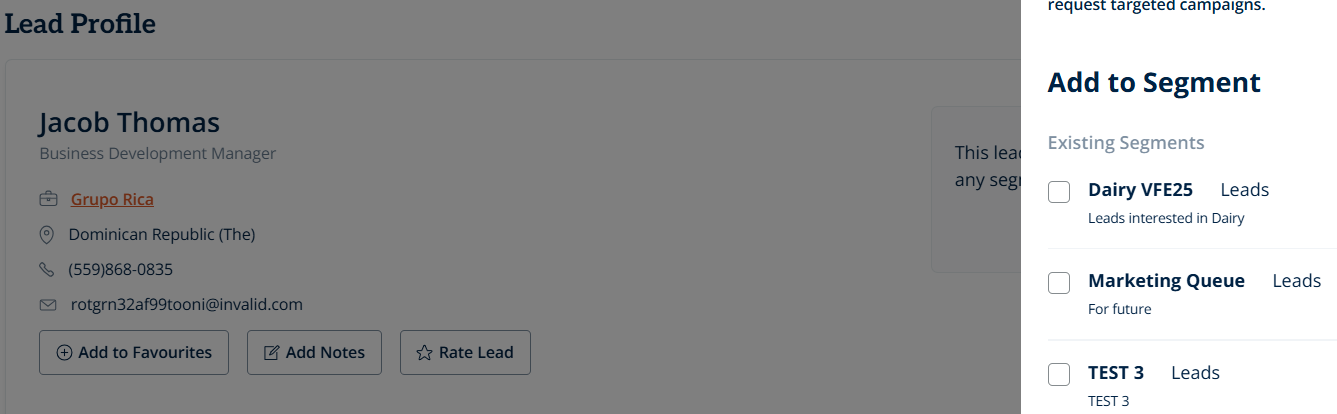
Then select "Add to Segment" to add the lead to another segment
Was this article helpful?
That’s Great!
Thank you for your feedback
Sorry! We couldn't be helpful
Thank you for your feedback
Feedback sent
We appreciate your effort and will try to fix the article